Shopping for a home security camera sounds simple until you open a brand catalog and meet a wall of model numbers. ZOSI is a good example. Its range runs from a single window camera to recorders with dozens of channels, and the right pick depends far more on your home than on any one spec.
This guide boils the lineup down to a few decisions: wired or wireless, how many camera spots you need, and how much setup work you are happy to do. Along the way it explains the technical terms, compares ZOSI with Reolink, flags the setup mistakes worth avoiding and walks through the warranty.
Everything here comes from the brand’s published details and independent write-ups. It is research, not a hands-on test. If you want to go deep on one kit, our full verdict on the ZOSI C225 4K PoE camera system covers the four-camera kit this guide uses as its main example.
Who ZOSI Is
The brand’s slogan is "Security Made Easy," and it calls itself a global provider of smart home devices and solutions. The business model behind that line is simple: you pay once for hardware, footage is recorded locally and no monthly bill follows. Some rivals build their products around paid cloud plans instead.
Guangdong province is one of the biggest hubs for camera and electronics manufacturing, and company records point ZOSI to the Zhuhai and Zhongshan area there. It trades as ZOSI Technology, part of ZOSI Group, and makes CCTV and surveillance hardware.
Manufacturing roots show in the catalog too. Rather than leaning on one hero product, ZOSI lists analog DVR kits, PoE switches, standalone add-on cameras, PoE systems and Wi-Fi cameras side by side.
Two policies are worth knowing up front: a 30-day money-back guarantee on official-channel purchases, and a help desk the brand labels "Lifetime Customer Support." Beyond the US store, Japan, Germany, the UK and the wider EU each have a regional site, and a business division handles installers and bulk orders. The catalog spans an entry-level window camera to 64-channel business systems.
The Three Families of ZOSI Cameras
The catalog divides into three families, and each one suits a different kind of buyer. Know which you need before you start reading model names, because the families differ in wiring, storage and resolution.
PoE systems: wired and permanent
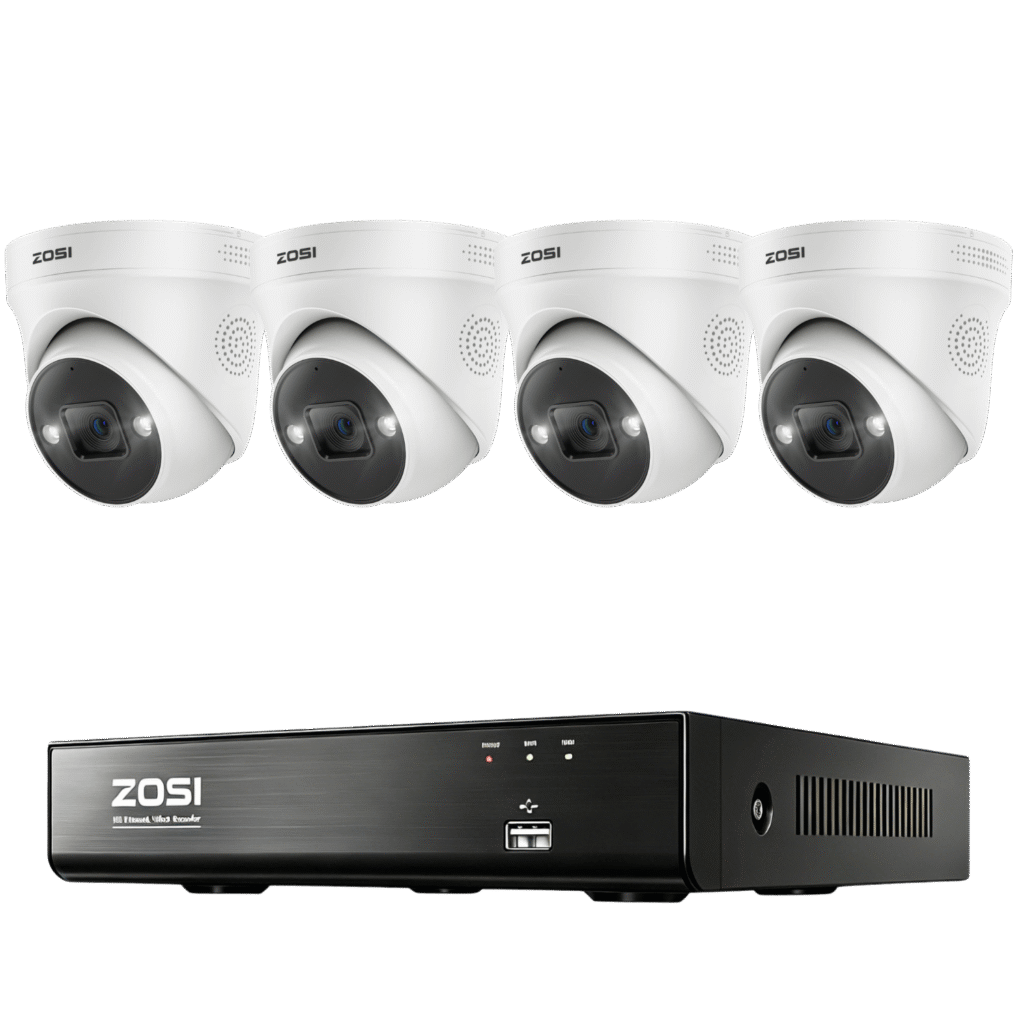
Most kits in this family arrive with a hard drive already fitted in the recorder, an NVR (network video recorder), so footage goes straight to local storage. PoE stands for Power over Ethernet: one Ethernet cable per camera carries power and video back to that recorder. A camera on this setup has no wireless link to lose and no battery to charge.
The range includes 8-channel kits such as the C182 (5MP video with human and vehicle detection) and the C225 (four 4K cameras and a 2TB drive). It continues through 16-channel kits to business systems with up to 64 channels.
Installation is where the effort goes. Cable has to be routed to every camera spot, which can mean drilling and pulling wire through walls, or hiring an installer. Homeowners after a permanent setup will usually want to look at this family first.
Wi-Fi cameras: quick to set up
This family stores video on a microSD card inside each camera, up to 256GB on most models, so no recorder box is involved. Power is where the two examples differ. The C306 Pro is battery powered and can be fitted with a solar panel outdoors, while the C296, a pan-tilt camera, draws from a wall outlet and still connects over Wi-Fi.
With no cable to run, these are the simplest cameras to get going, and setup is mostly plugging in and pairing. The trade-off is that signal strength and interference can affect reliability, and your footage ends up spread across several small cards instead of sitting on one drive.
Analog kits: the legacy budget route
Analog kits are the oldest part of the lineup. The C106 and C419 lines are DVR-based, record at 1080p and use coax-style cable, which keeps their resolution well below the other two families. They make sense mainly when you are swapping out an existing analog system or have no need for 4K detail.
| Family | Resolution | Install effort | Best fit |
|---|---|---|---|
| PoE | Up to 4K | High, because of the cable run | Permanent coverage across a property |
| Wi-Fi | Up to 5MP | Low, plug in and pair | Renters, single spots, quick starts |
| Analog | 1080p | Medium | Replacing old systems, reusing wiring |
Start With How You Live
Two questions settle most of the choice: how permanent the install needs to be, and how many spots you want covered. Work through these situations and one answer usually stands out.
Renting, or watching one door
One Wi-Fi camera is enough here. The C680 is a window camera with a 3MP sensor, dual-band Wi-Fi and color night vision. Setup takes an outlet and your network password. It is not a whole-home answer, but it can watch a front door or another single entry point.
A few spots around the yard
The C306 Pro fits this job. It is battery powered, works with solar panels and has a spotlight and two-way audio built in, so you can place it anywhere your Wi-Fi reaches, with no outdoor outlet needed. That makes it a candidate for a shed, a driveway or a rental where drilling for cable is off the table.
Owning a home and wanting full coverage
Wired PoE is the natural match for a home you own and want covered thoroughly. Cables remove the Wi-Fi dead zones and the battery swaps, and most kits ship with the recording drive already installed. The C225 provides four camera positions, 4K video and 2TB of storage, which works when four spots cover your needs.
Need to cover five or more areas, or want AI person and vehicle detection? Look at the C182 or the 16-channel C220. The C182 pairs 5MP video with 8 channels, and the C220 offers 4MP video with 16 channels and a 4TB drive.
Running a business or a rental portfolio
At the top of the PoE line, systems reach 64 channels and 16TB, aimed at warehouses, multi-building properties and other sites with dozens of camera points. Cable work on that scale is usually a job for a professional installer.
Quick picks
- Single door in a rental: the C680 window camera
- A few outdoor spots without wiring: the C306 Pro
- An ordinary house with a permanent setup: the C225
- A bigger property with more blind spots: the C182 or the 16-channel C220
- A commercial site: PoE systems from 32 to 64 channels
- Old coax wiring already in place: the C106 or C419
What the Specs Mean
Spec sheets stack up abbreviations fast. Here is what the main ones mean, using ZOSI’s lineup as the example.
Channels and recorders
A channel is one camera input on a recorder. An 8-channel NVR has eight inputs and a 16-channel one has sixteen, so a higher count leaves more room for extra cameras. Business systems from the brand go to 32 and 64 channels.
Resolution
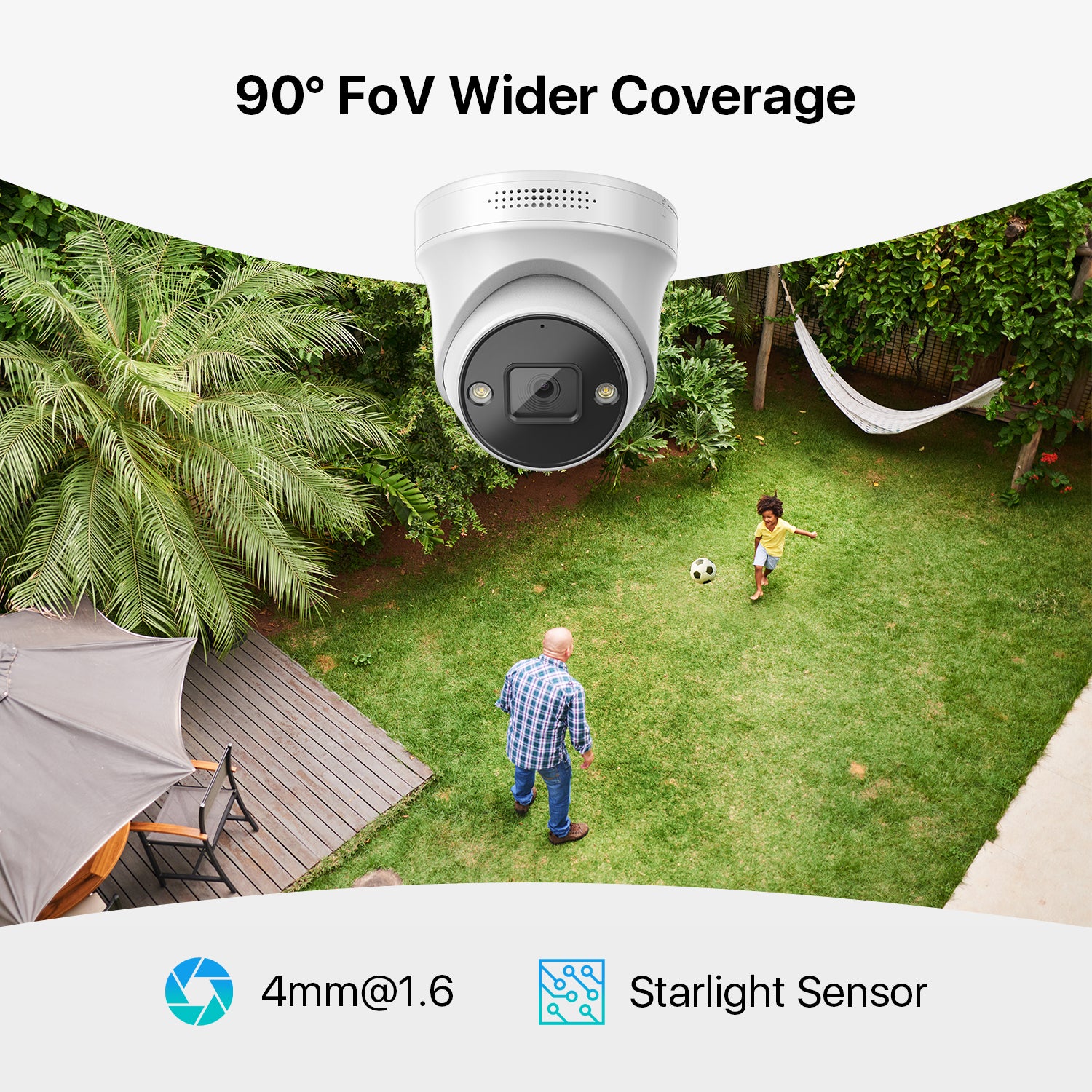
Megapixels, written MP, count how many pixels fill each frame. The PoE range tops out at 4K, the Wi-Fi cameras reach 5MP and the analog kits stop at 1080p. More pixels leave more room to see detail, although lens quality and lighting still matter.
Storage
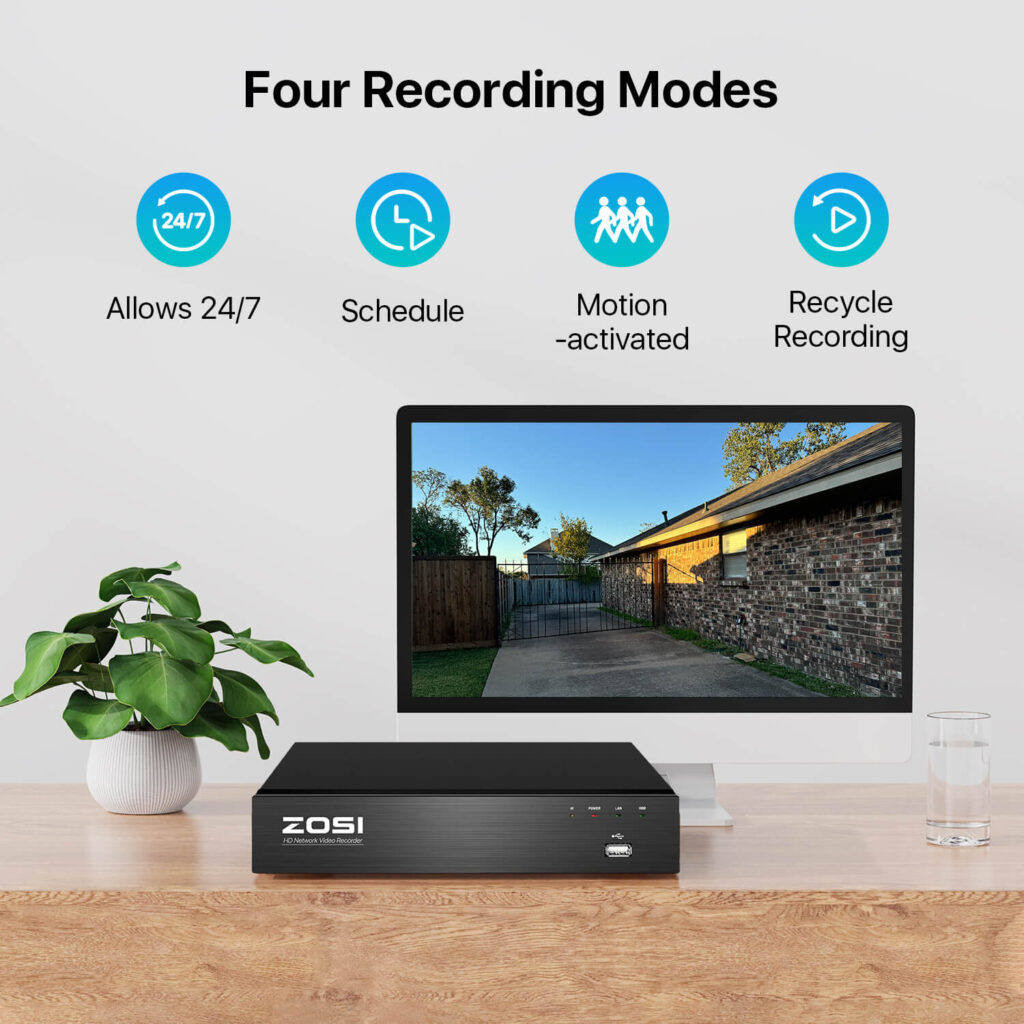
PoE kits record to the hard drive inside the recorder. Capacity runs from 2TB in entry kits to 16TB in the 64-channel business systems. Wi-Fi cameras use microSD cards instead, and the brand sells an optional cloud add-on for anyone who wants an off-site copy as well.
AI detection
A few models, such as the C182 and C220, include AI detection that separates people and vehicles from general motion. The idea is to send alerts for what matters rather than for every moving branch, shadow or passing car.
Night vision
Each camera has an effective night vision range, and the rated distance for your model is the figure to plan around. Independent reviews of the brand praise its daytime footage. After dark, the rated distance is the number to trust, so treat it as a hard limit when you choose where to mount a camera.
Two-way audio
This lets you speak through the camera as well as listen. It is built into the C225, the C306 Pro and the C296, and it is handy for package drops and quick chats at the door.
ZOSI vs Reolink
Reolink is a fair rival to compare, because it pitches the same thing: security hardware that does not demand a monthly plan. The comparison comes down to a handful of areas.
Budget
ZOSI is the entry-level route to 4K PoE coverage. Reolink PoE kits sit in a premium tier at every step, so ZOSI is the easier fit when money is tight.
Storage and subscriptions
Basic recording needs no monthly plan with either company. ZOSI puts a drive in most of its PoE kits and records to it. Reolink likewise records locally and sells an optional cloud plan on top, and ZOSI has an optional cloud add-on of its own.
Smart features
Reolink’s Smart Search sits inside its recorder software and narrows saved video to person or vehicle events, which saves scrubbing through long recordings. On the ZOSI side, the AI person and vehicle detection is aimed at alerts, and it is found on models such as the C182 and C220.
Reliability
Independent reviews generally put Reolink ahead on long-term reliability, although it draws complaints of its own. ZOSI’s protection is its warranty, which is why the paperwork matters.
Which to choose
ZOSI fits if you want 4K on a tight budget and will handle the installation yourself. Reolink fits if dependable long-term running and quicker footage search count for more than the upfront cost, and you would sooner spend once and avoid trouble later.
Setup and Everyday Use
Good habits during installation matter as much as the hardware you choose. Here are the ones worth settling before anything goes on a wall.
Before you mount anything
Update the firmware first. A camera may have waited a while before reaching you, so it can ship with older software. Run the update the app offers during setup, before mounting. It is also the first thing to try if a camera seems to misbehave.
Replace the default password. Set a new admin password as soon as setup finishes. Any networked camera calls for this, since a factory default is easy for others to guess and can leave a live feed exposed.
Network and settings
Check the Wi-Fi range. A wireless camera at the far edge of your router’s coverage, or behind several walls, can lose its connection now and then. Test the signal at the spot before you mount, and consider a mesh extender near the camera if it is weak.
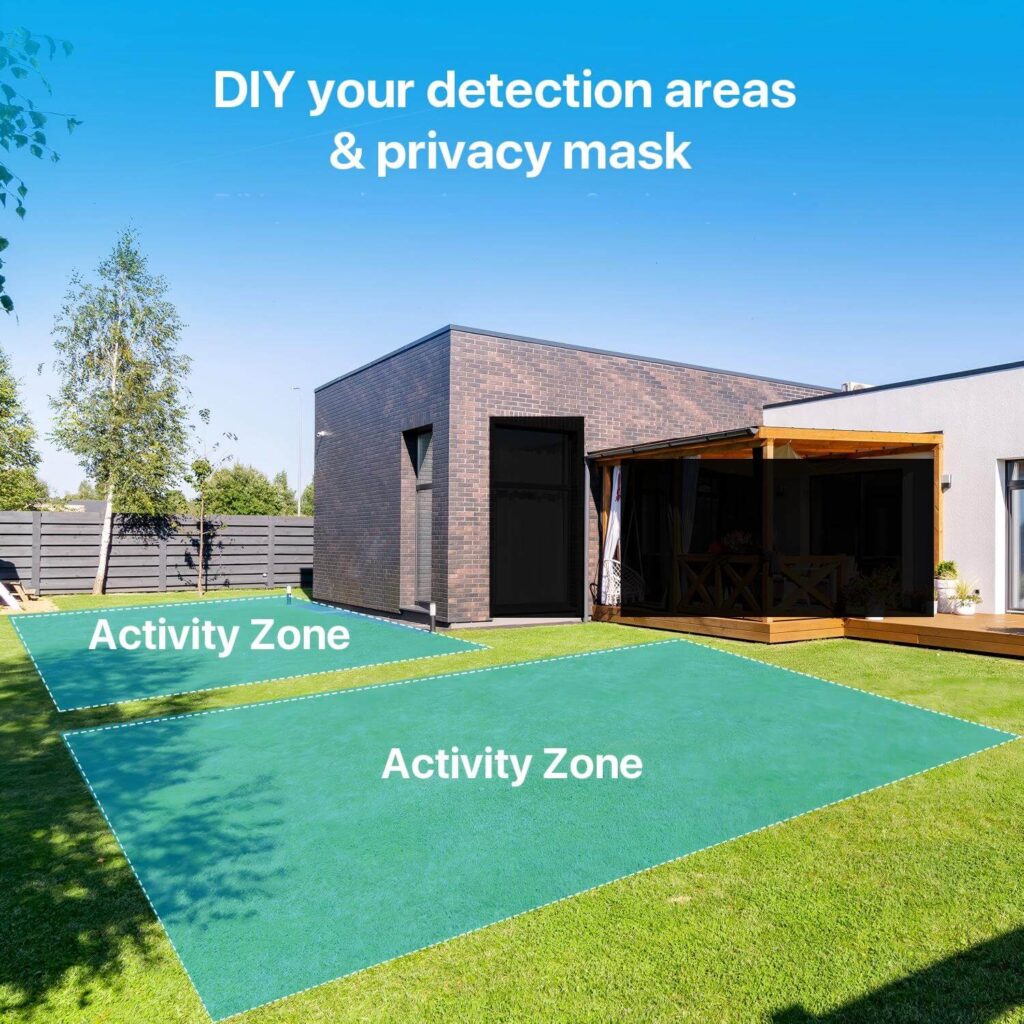
Dial back motion sensitivity. At the highest setting, branches, shadows and passing cars can all set off alerts. Lower it a few notches, and use person and vehicle detection where the model has it, to keep the alerts meaningful.
Placement
Mind the sun’s angle. Pointing a lens toward the low morning or evening sun can wash out the image while the sun is in view. Aim it so the sun’s path stays outside the frame, even if that means a less perfect view.
Plan around the night range. Find the rated night vision distance for your model and measure your mounting spot against it, not against what the camera sees in daylight. Parts of a long driveway beyond that distance will be dim after sunset.
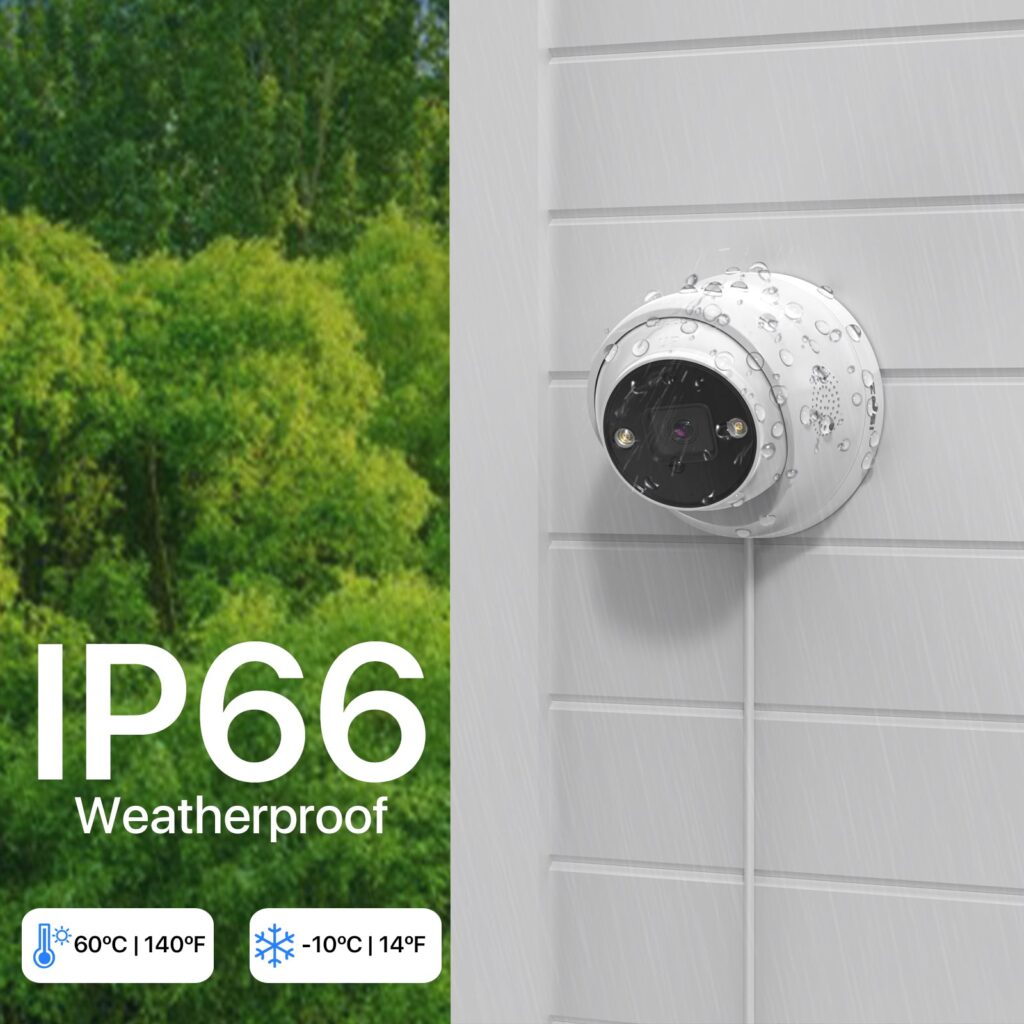
Seal the outdoor connections. On a PoE system, water that gets into an Ethernet connector outdoors can cut off a camera. Fit weatherproof boots or silicone sealant at every outdoor junction, not only around the camera body.
Storage and paperwork
Watch the memory card. Once a microSD card in a Wi-Fi camera is full, it either stops recording or overwrites the oldest clips, depending on its settings. Turn loop recording on, and choose the largest card the camera supports if you want more history to scroll back through.
Buying Genuine ZOSI Hardware
The brand sells through its own website, zositech.com, and confirms that it also distributes through major marketplaces. Because resellers vary, check who is actually selling before you pay. The brand’s own storefront is the most direct way to be sure of genuine hardware and an intact 2-year warranty.
If you prefer to shop on Amazon, the ZOSI storefront on Amazon is a sensible place to start. The link opens Amazon, so find the model you want by name.
Checking a marketplace listing
Look for ZOSI itself in the seller field, not a reseller with no track record in electronics. Compare the exact model number, for example C225, C182 or C296, with the lineup on the brand’s own site. A listing with a vague title may be for a discontinued or region-locked model, and that could make a warranty claim harder later.
There is one more mix-up to avoid. Alongside its working systems, ZOSI sells decoy cameras: dummies that record nothing and show a blinking red light as a deterrent. Make sure a listing spells out recording and storage before assuming it is a functioning system.
Warning signs on a listing
- A seller that is not ZOSI and has no history in electronics
- Pictures of one model under the title of another
- No sign of the warranty or return terms anywhere in the listing
- A description that skips recording and storage details entirely
Warranty and Returns
If something goes wrong with a camera, recorder or complete system, the 2-year limited warranty is what the brand offers. It targets flaws in materials and workmanship, and it assumes normal use. Cables, power adapters and solar panels sit on a shorter 1-year term.
Four things are not covered: accidents, misuse, unauthorized repairs and normal wear. For a fault the brand confirms is covered, the stated outcomes are a repair, a refurbished replacement or a refund, whichever suits the case.
Returns work separately. Purchases through official channels carry a 30-day money-back guarantee. It suits a system that is not defective but simply wrong for the property, so check the coverage area and features against your needs early, while the window is open.
Register the purchase when the system arrives and file away your proof of purchase. Coverage generally follows the original sale, so a secondhand system may come with less than the full two years. Keeping the paperwork to hand makes any claim easier to start.
Common Questions
Where should a first-time buyer start?
For a home with a handful of camera spots, the C225 is a reasonable first look: a 4K PoE system with a 2TB drive already installed. Larger homes may prefer the C182 or the 16-channel C220.
Do I need to pay a monthly fee to record?
Not for basic recording. Footage goes to local storage: the hard drive that comes with PoE systems, or a microSD card in Wi-Fi cameras. The brand also offers an optional cloud add-on for anyone who wants an off-site copy.
What happens if a camera fails under warranty?
A defect the brand confirms inside the 2-year window can end in a repair, a refurbished replacement or a refund, according to the brand. Registering the purchase early keeps your paperwork ready.
How much storage comes with a ZOSI kit?
Drive sizes in PoE kits start at 2TB and rise to 16TB on the 64-channel business systems. Wi-Fi cameras take microSD cards of up to 256GB.
Is installation difficult?
PoE systems take the most effort, because Ethernet has to reach every camera spot, although existing wiring may be reusable. Wi-Fi models need no cable, so setup is mostly plugging in and pairing.
How good is the night vision?
It depends on the model and on how far away your subject is. Every camera has a rated night vision distance, and that figure is the one to check. Independent reviews of the brand praise its daytime footage.
Final Thoughts
ZOSI makes sense when you value local recording and a no-subscription model over polish. Pick the family that matches your home first, then the model.
Whatever you pick, register the warranty, plan the cable or the Wi-Fi coverage before you mount anything, and buy from a seller you can verify. When you are ready to compare options, browse the ZOSI storefront on Amazon. The link opens Amazon.