
ChoiceQuill is reader-supported. When you buy through links on this page, we may earn a commission. You pay the same price either way.
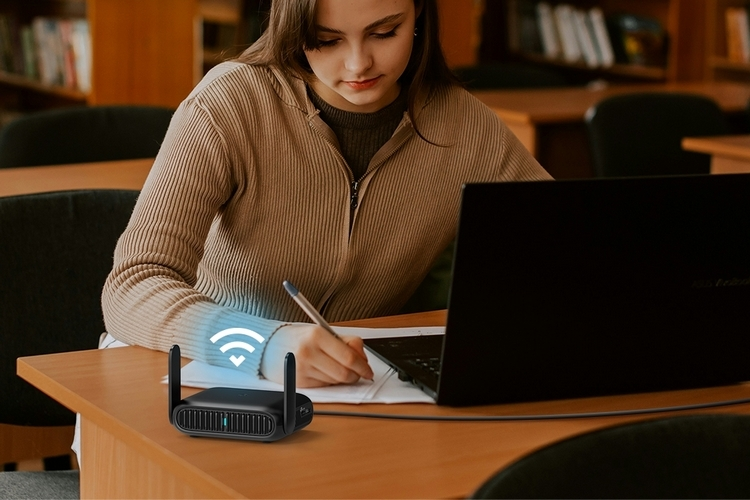
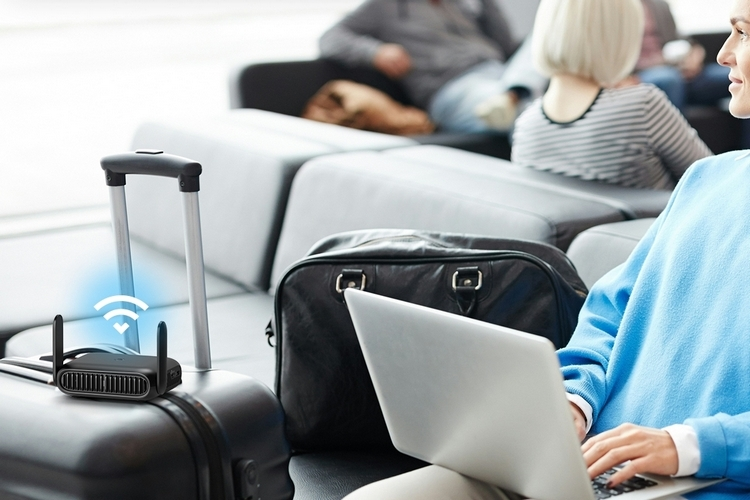
Free public Wi-Fi is everywhere these days. It lets you get online without burning through phone data or setting up a mobile hotspot.
The catch is that logging in gets frustrating fast when you carry several devices. A travel router solves that, because only the router has to join the network.
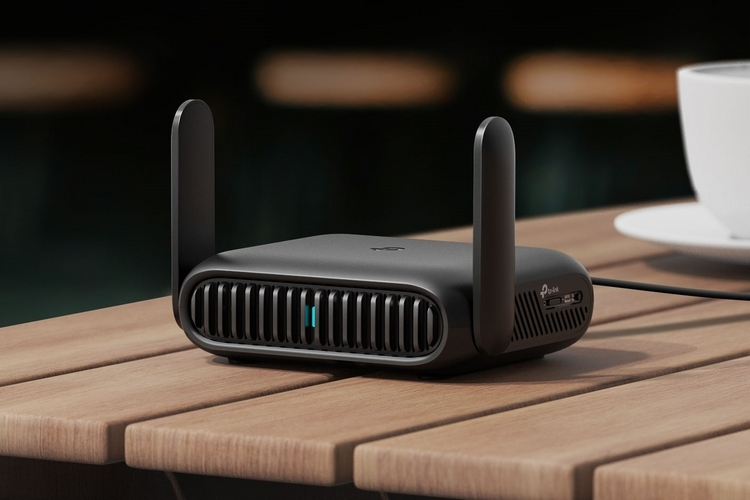
If you are after the fastest travel router available, the TP-Link BE3600 is worth a look.
Fast Wi-Fi 7 With a Single Login
The BE3600 uses Wi-Fi 7 and offers up to 3.6 Gbps of bandwidth. That lets you make the most of whatever connection is on hand, wherever you are.
It also makes public Wi-Fi easier and safer to use. You connect to the free network just once through the Tether app, no matter how many devices you bring along.
Small Enough for a Pocket
The router measures just 5 by 3.7 by 1.5 inches (width by depth by height). It weighs half a pound.
That is small and light enough for most pockets, as long as you fold down the antennas first.
Hotspot Mode and Router Mode
On public Wi-Fi, Hotspot Mode is the one to use. You join the public network once, and the router then shares that connection with your own devices.
According to TP-Link, the router supports up to 90 devices in this mode. That should be plenty even for a large group traveling together.
Router Mode makes it work like a traditional router. The internet comes from a modem over Ethernet, from a USB modem or from a tethered phone.
Other roles include access point, range extender and Wi-Fi client. That gives you several ways to use it, depending on what you need.
VPN Support for Safer Browsing
VPN support matters even more on unsecure public networks. The BE3600 handles both the OpenVPN and WireGuard protocols.
Compatible providers number 35, and you can use any of them next to your normal internet connection.
Four of them come pre-installed: SurfShark, NordVPN, IPVanish and PureVPN.
In short, TP-Link made it simple to take the right precautions on free networks open to everyone.
Power and Ports
Some mobile routers include a built-in battery, but this one does not. You power it through a USB-C connection instead.
It needs only a 5V USB power source. A power bank will do the job, and so will a free USB slot on your laptop.
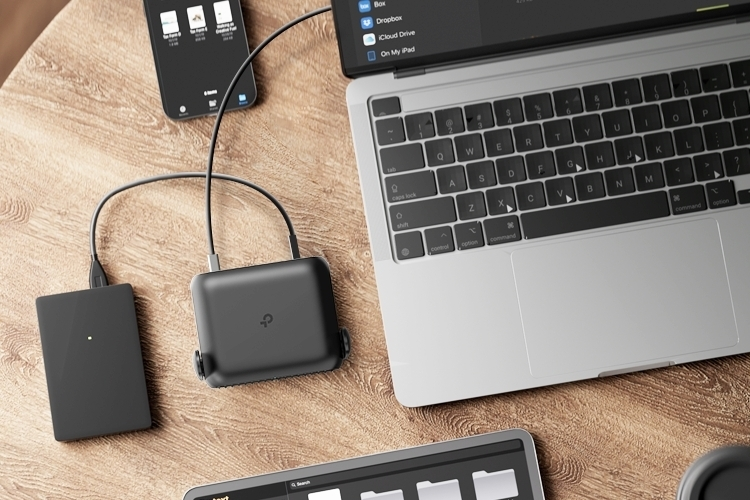
The router has a USB 3.0 port and two Ethernet ports, one at 1Gbps and one at 2.5Gbps. Plug a laptop in by cable for even more stable speeds.
One limit to note: it is dual band only, so the newer 6GHz band is not supported.

David Chen
Online information should be as polished as it is deeply useful that is the standard I hold myself to. My mission is to tackle everyday topics from a brand-new angle, leaving you with genuine takeaways by the time you reach the final sentence.