ChoiceQuill is reader-supported. When you buy through links on this page, we may earn a commission. You pay the same price either way.
Divoom’s flagship pixel display, the Pixoo-64Ⅱ, sells for $149.99, down from $159.99. No other product in the Divoom catalog has been reviewed by as many independent voices, from tech outlets to YouTube channels.
Those reviewers dig into the good parts and the irritations alike. We gathered that coverage and the official spec sheet to judge whether the price makes sense.
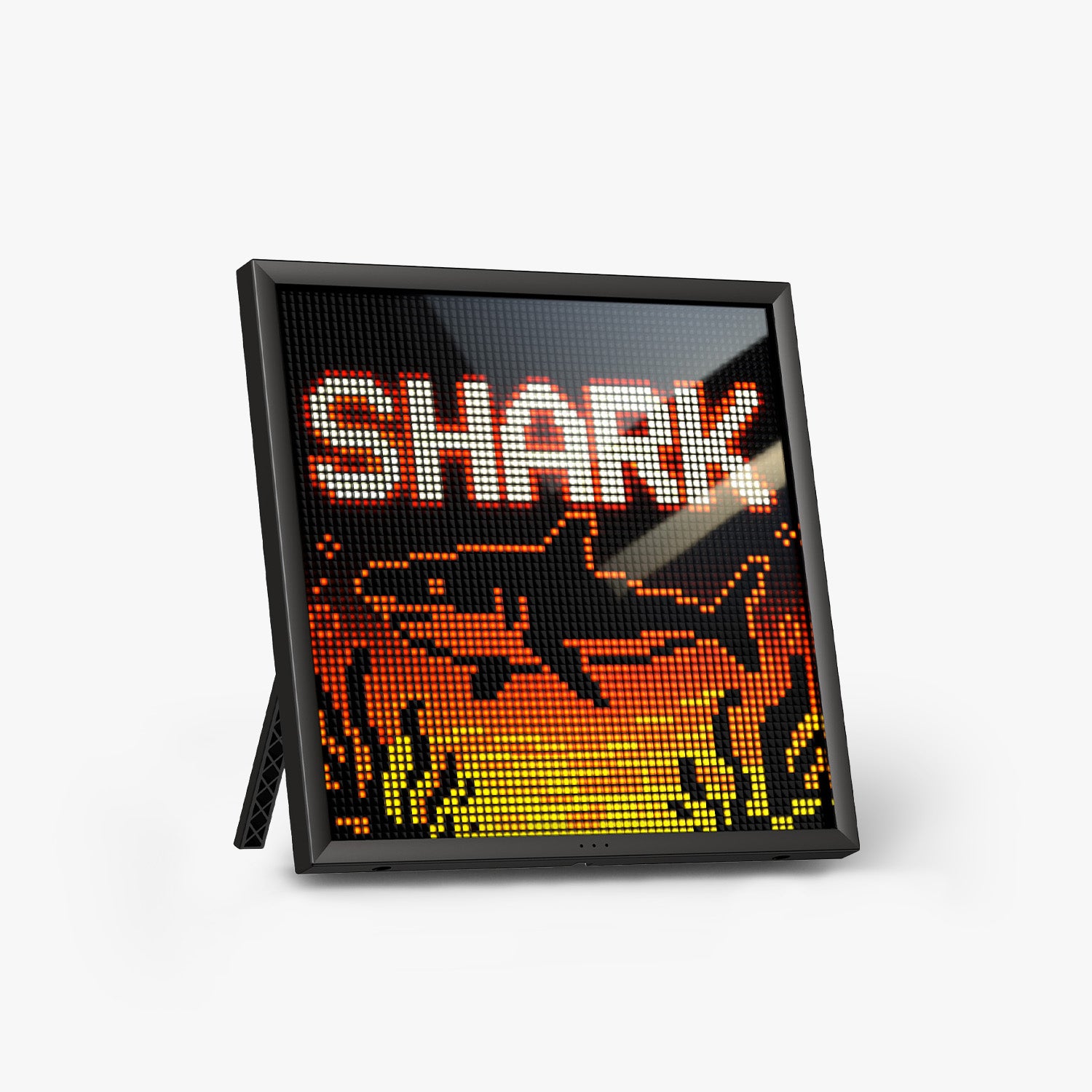
Hardware at a Glance
- Panel: a 10.3-inch LED grid of 64×64 pixels
- Wireless: Bluetooth, plus Wi-Fi on both the 2.4G and 5G bands
- Storage: 4GB onboard, according to Divoom’s product page
- Power: a corded USB connection, with no internal battery
Without a battery, the display has to stay plugged in wherever you put it.
Live Data and Pixel Art
The headline trick is real-time information on the pixel grid. Alongside follower counts for YouTube, Twitch and Instagram, you can add calendar widgets, stock prices and the weather.
It also taps a community gallery on Divoom stocked with pixel art and animations. If you would rather make your own, you can draw it in the app.
What Reviewers Praised
MakeUseOf pointed to the pixel density, which is high for a screen this small. The site described the images as crisp, even with such a low resolution.
Reviewers also keep applauding the huge range of customization options, whether you want a clock face, a weather screen or fully custom pixel art. They add that animations run without hiccups after you load a design.
Where Reviewers Pushed Back
The fullSTEAMahead365 review was unimpressed by the display, even at full brightness. It also noted some general blur, which comes from the pixel resolution itself and not from a defect in manufacturing.
The same review called the app tricky to work with. The trouble showed up most when connecting outside accounts like Fortnite or YouTube to feed the live-stat widgets.
The missing battery was a repeat complaint as well. It runs on a cord instead of a battery, so it is not a portable display. Plan its spot accordingly.
What Setup Looks Like
Divoom’s own FAQ says the first Wi-Fi setup can freeze at roughly 40% or 60%. The usual causes are an outdated app version or a router password typed in wrong.
The company also discourages public Wi-Fi networks such as hotels, offices and schools, because the login pages on those networks get in the way of connecting.
Reviewers call setup quick at home. You plug it in, follow the prompts in the app, and it is ready within a few minutes.
Versus the Ditoo-Pro and LaMetric Time
Compared with Divoom’s own Ditoo-Pro, you give up a built-in Bluetooth speaker. In return, you get widgets over Wi-Fi and a panel that is larger and sharper.
LaMetric Time is the closest competitor from outside Divoom. The Pixoo-64Ⅱ costs $50 less and has a far higher-resolution display, although LaMetric counters with built-in stereo speakers.
Our Verdict
Pick this up if you are after a screen for your desk or wall that shows live stats and also serves as a pixel art canvas. The Pixoo-64Ⅱ handles both jobs, and it undercuts its nearest rival by a wide margin.
Leave room in your schedule for learning the app, and keep in mind that it has to stay plugged in.
Look at the return terms before ordering. Under Divoom’s policy, unused products can come back within 15 days, and you pay the return shipping unless the problem is about quality.