ChoiceQuill is reader-supported. When you buy through links on this page, we may earn a commission. You pay the same price either way.
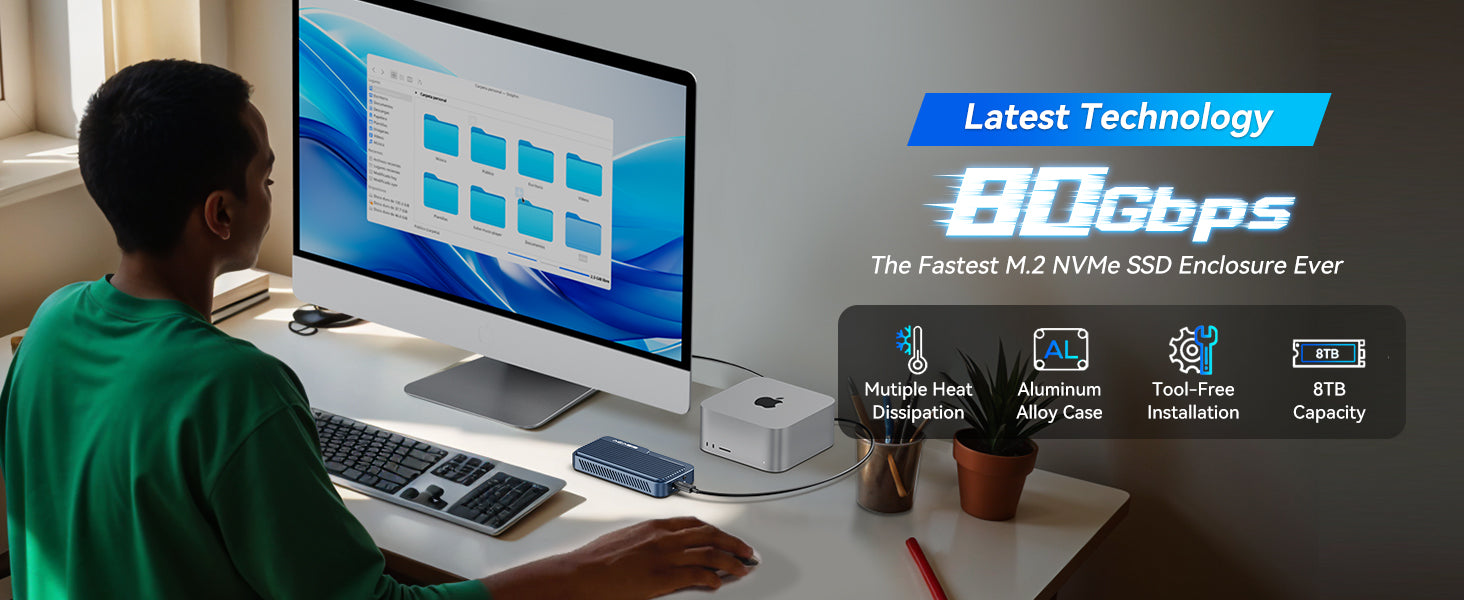
Anyone who asks for a budget stand-in for OWC’s Thunderbolt 5 drives keeps hearing about the Acasis TB501Pro. It costs $174, down from a $299 list price, and it is rated for up to 6,000MB/s.
We read independent benchmark reviews, the product’s spec sheet and buyer complaint threads. The goal was to see whether that low price holds up under real use.
Inside the Aluminum Shell
An Intel JHL9480 chip and an RTL9210 controller power the TB501Pro. It speaks USB4 as well as Thunderbolt 3, 4 and 5. On older machines, it drops back to USB 3.2, 3.1 and 3.0.
The enclosure takes one M.2 NVMe SSD of up to 8TB. Supported form factors are 2230, 2242, 2260 and 2280, and it covers PCIe Gen5, Gen4 and Gen3 drives.
Setup needs no tools. Pop open the aluminum shell, seat the SSD and close the shell again. There is no driver to install, and most drives do not need a power adapter.
Speed Results
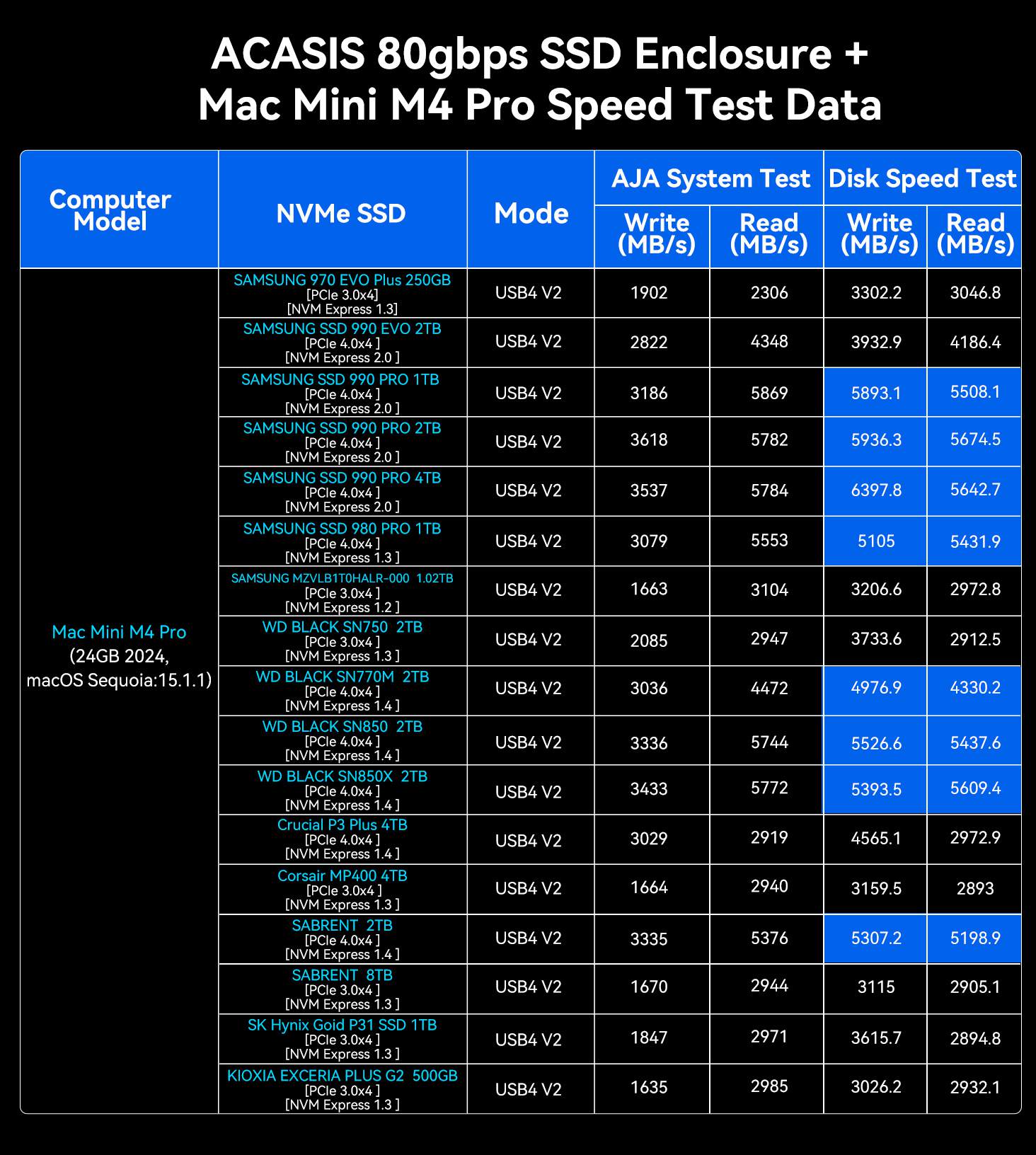
The pocnetwork.net review site ran independent tests. A PCIe Gen3 drive reached close to 1.3GB/s in them. A Gen5 WD_BLACK SN8100 produced results from 5,000 to 6,000MB/s.
Those numbers match what Acasis claims. They also sit near the chipset’s practical ceiling, well below the theoretical 10GB/s that a full Thunderbolt 5 link could carry.
A separate hands-on review at johnmakphotography.com awarded a perfect 5 stars. It singled out the aluminum build and the heat dissipation design. The reviewer valued them for editing 4K and RAW files straight off the drive, with no need to copy anything first.
The Early-Unit Gen5 Problem
A chip problem affected the earliest TB501Pro units, whose JHL9480 version had trouble with certain PCIe Gen5 SSDs. For a while, Acasis’s own product listing told buyers to avoid Gen5 drives. Few manufacturers admit something like that in their own marketing copy.
The fix is an updated B2 revision of the chip, which Acasis developed together with Intel. Current stock ships with it.
If your unit is secondhand, or comes from a third-party seller holding older stock, check which chip revision it has before connecting a Gen5 drive.
Fan Behavior
Active cooling is part of the design. Reviewers noted that the fan stays off during light use. It only becomes noticeable under sustained heavy transfers. That is what you want from active cooling in a portable enclosure.
The Pro model has a manual button for its cooling fan. Its higher-tier sibling, the TB501Max, uses automatic, temperature-triggered cooling and adds a 90W USB-C PD passthrough port.
TB501Pro vs. OWC
Next to OWC’s Thunderbolt 5 enclosures, the TB501Pro costs meaningfully less for comparable rated speeds. OWC still has the edge on long-term reliability reputation. That view comes from reviewers who have used both side by side.
Is It the Right Buy?
Pick the TB501Pro if video editing or large file transfers call for Thunderbolt 5 speeds and you would rather skip OWC prices. It is a genuinely strong choice, provided you confirm that you are getting current stock with the fixed chip.
Hold on to the original packaging in case you ever need to make a warranty claim. Where possible, register your purchase as well.